 EN
EN DE
DE RO
RO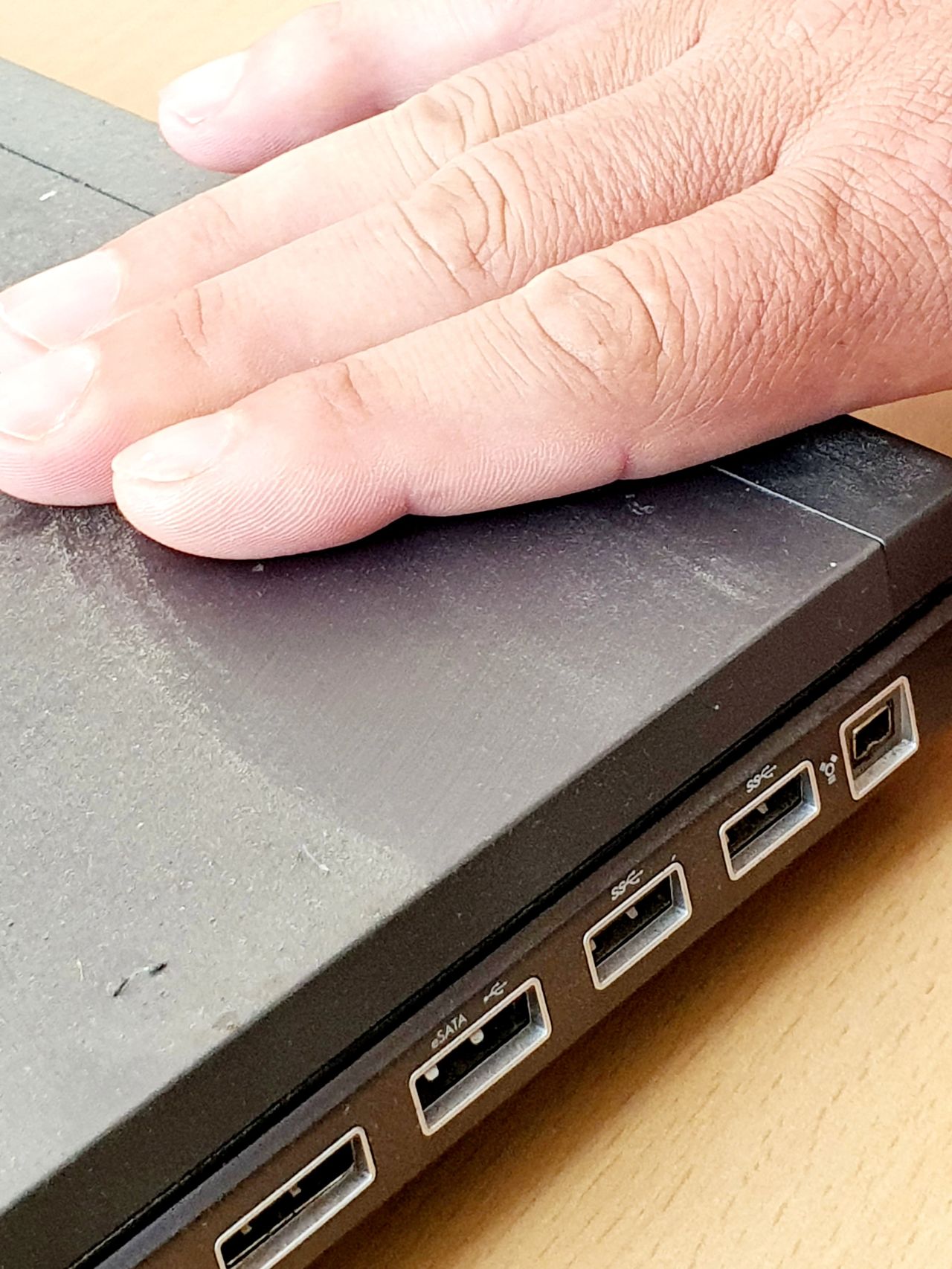
Spending time online without doing much?
Perfect. Let’s make that time a little more useful.
When we are already taking a break and browsing the internet anyway, we can do a simple but practical exercise: look around at home or in the office for an old computer that could be turned into a small Linux server.
It does not have to be powerful. It can be an old laptop, a desktop sitting in a corner, a mini PC, an unused office computer, or any device that still turns on and can connect to the network.
The first step is not the installation. The first step is the inventory.
- Find an old computer, laptop, or mini PC that you have not used for a while.
- Check if it still turns on and if it can connect to the network through cable or Wi-Fi.
- Write down the model, processor, RAM, storage type, and HDD or SSD capacity.
- If you have time, clean the dust, check the fans, and see if it would benefit from an SSD or more memory.
- Prepare a USB stick that can later be used for a bootable Linux image.
That is enough for now. You do not have to build a complete server yet. You do not have to configure services, Docker, backups, or remote access. At the beginning, it is enough to know what hardware you have and whether it can still be useful.
Later, that machine can become a small server for files, backups, testing, automation, monitoring, internal applications, or simply a safe environment where you can learn Linux without breaking anything important.
The good part is that this exercise is useful for almost anyone. Even if you do not think you need a local server right now. Even if you do not yet know how to install Linux. Even if you do not have a clear plan.
Sometimes the first step is not to buy something new, but to understand what you already have.
An old computer sitting unused can be a very good learning tool. Not because it is fast, but because it allows you to test, make mistakes, reinstall, and understand how things work in practice.
Next time, we can turn such a computer into a small Linux server. Maybe it will become genuinely useful. Maybe we will simply learn something valuable. In both cases, it is better than another hour of aimless scrolling.
Now back to work. Let’s not fall behind on production.