Blog

  • Got an Old Computer? The First Step Toward a Linux Server Is an Inventory

    Got an Old Computer? The First Step Toward a Linux Server Is an Inventory

    Spending time online without doing much?

    Perfect. Let’s make that time a little more useful.

    When we are already taking a break and browsing the internet anyway, we can do a simple but practical exercise: look around at home or in the office for an old computer that could be turned into a small Linux server.

    It does not have to be powerful. It can be an old laptop, a desktop sitting in a corner, a mini PC, an unused office computer, or any device that still turns on and can connect to the network.

    The first step is not the installation. The first step is the inventory.

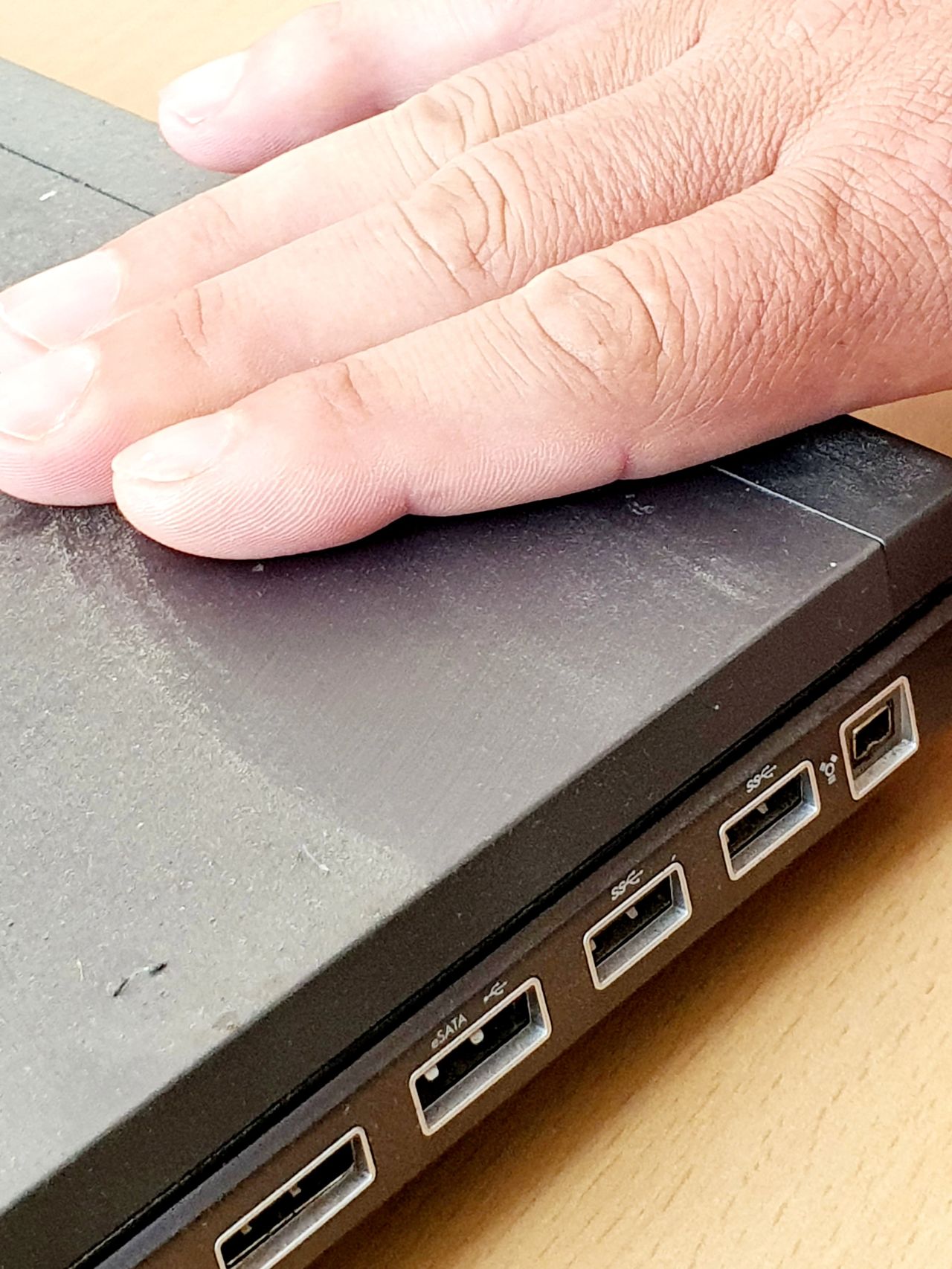
    • Find an old computer, laptop, or mini PC that you have not used for a while.
    • Check if it still turns on and if it can connect to the network through cable or Wi-Fi.
    • Write down the model, processor, RAM, storage type, and HDD or SSD capacity.
    • If you have time, clean the dust, check the fans, and see if it would benefit from an SSD or more memory.
    • Prepare a USB stick that can later be used for a bootable Linux image.

    That is enough for now. You do not have to build a complete server yet. You do not have to configure services, Docker, backups, or remote access. At the beginning, it is enough to know what hardware you have and whether it can still be useful.

    Later, that machine can become a small server for files, backups, testing, automation, monitoring, internal applications, or simply a safe environment where you can learn Linux without breaking anything important.

    The good part is that this exercise is useful for almost anyone. Even if you do not think you need a local server right now. Even if you do not yet know how to install Linux. Even if you do not have a clear plan.

    Sometimes the first step is not to buy something new, but to understand what you already have.

    An old computer sitting unused can be a very good learning tool. Not because it is fast, but because it allows you to test, make mistakes, reinstall, and understand how things work in practice.

    Next time, we can turn such a computer into a small Linux server. Maybe it will become genuinely useful. Maybe we will simply learn something valuable. In both cases, it is better than another hour of aimless scrolling.

    Now back to work. Let’s not fall behind on production.
  • Local Server or Cloud? The Practical Answer Is Often Both

    Local Server or Cloud? The Practical Answer Is Often Both

    Do you have a server at home or in your business?

    If not, why not? If yes, why?

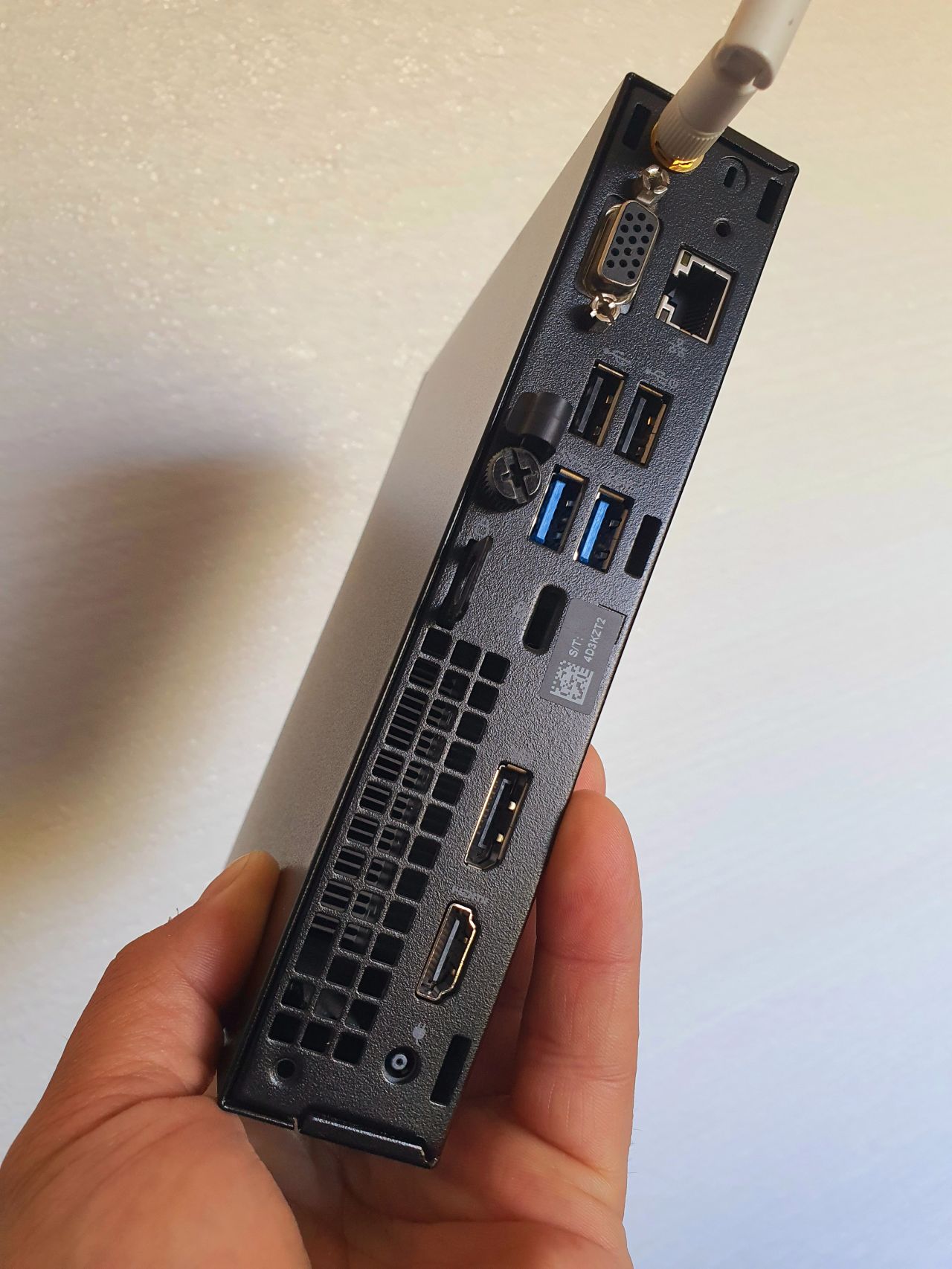
    When I say local server, I do not necessarily mean a large rack, expensive equipment, or a dedicated technical room. It can be a mini PC, a NAS, a Raspberry Pi, an Intel NUC, or even an older computer running a few useful services.

    At a time when almost everything is moving to the cloud, a local server may seem outdated. But in practice, especially in a small infrastructure, it can become one of the most useful components.

    A local server can be used for backups, files, automation, monitoring, security cameras, internal applications, testing, local databases, or integrating equipment that physically exists in the same location. It does not have to be complicated. What matters is having a clear reason for using it.

    There are situations where it is not worth the effort. If you do not have a concrete need, if you do not make backups, if you do not update it, and if you do not know what is running on it, a local server can become more of a problem than a solution.

    But if you have important data, repetitive processes, local equipment, or applications you want to control better, a small server can bring a lot of order. It can reduce dependency on external services, keep certain data inside your own location, and provide a good testing environment before moving something into production.

    The cloud is useful. A local server is useful. But the combination of both, when designed properly, is often the most practical solution.

    The real question is not necessarily “local server or cloud?”, but rather: what should I control locally, and what makes sense to externalize?

    For important files, local backups, cameras, automation, and services that depend on equipment inside the location, a local server can make a lot of sense. For public access, scaling, high availability, and services that need to stay online at all times, the cloud may be the better choice.

    In the end, good infrastructure is not the most modern or the most expensive one. It is the one that fits the real situation, can be maintained, and solves a concrete problem.

    Or, put more simply: does it really make sense to send bits across the ocean and back for every mouse movement?